It reads the structure underneath and most templates were never built for that. The result: slides that come out almost on-brand, but not quite.
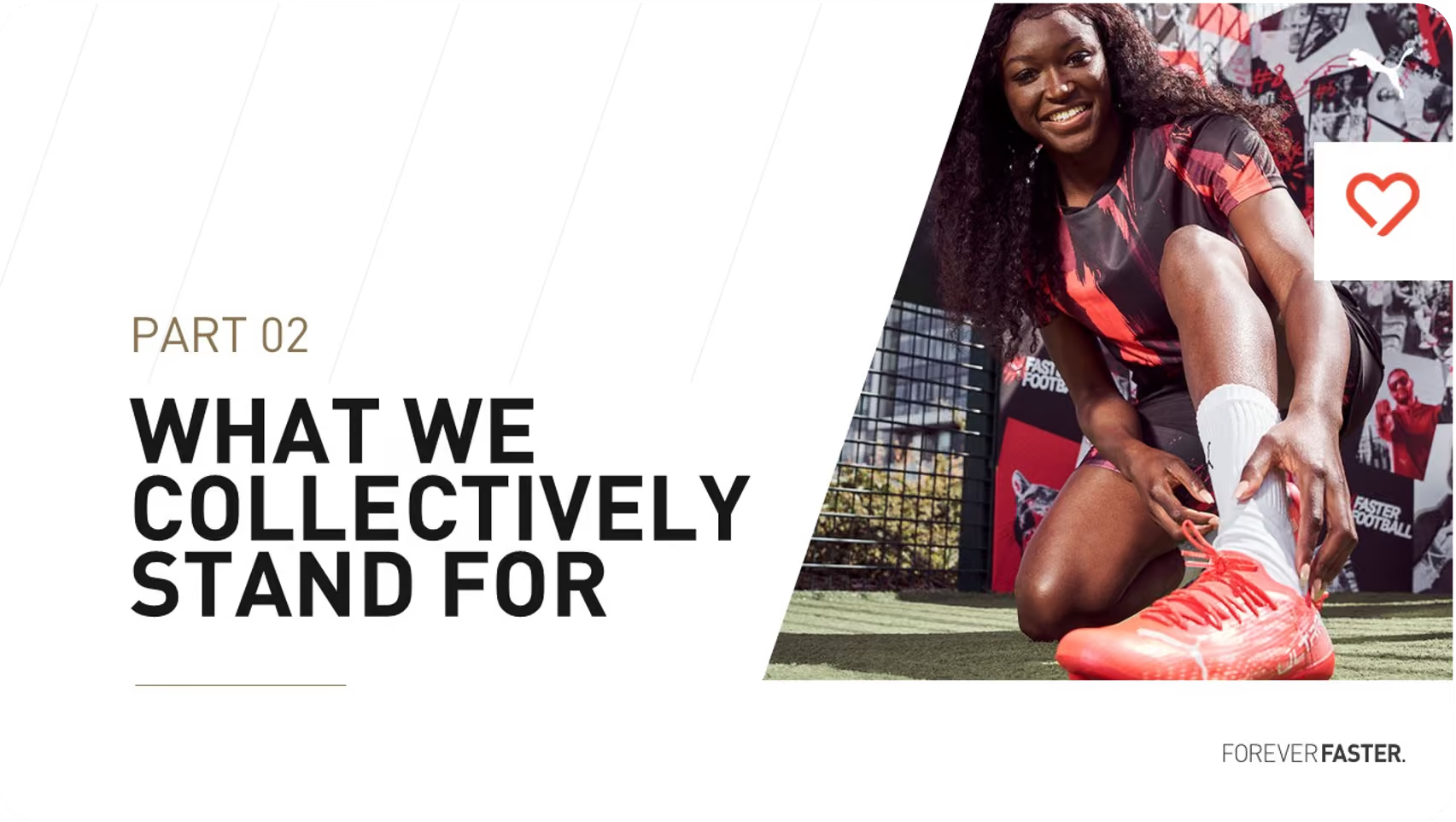
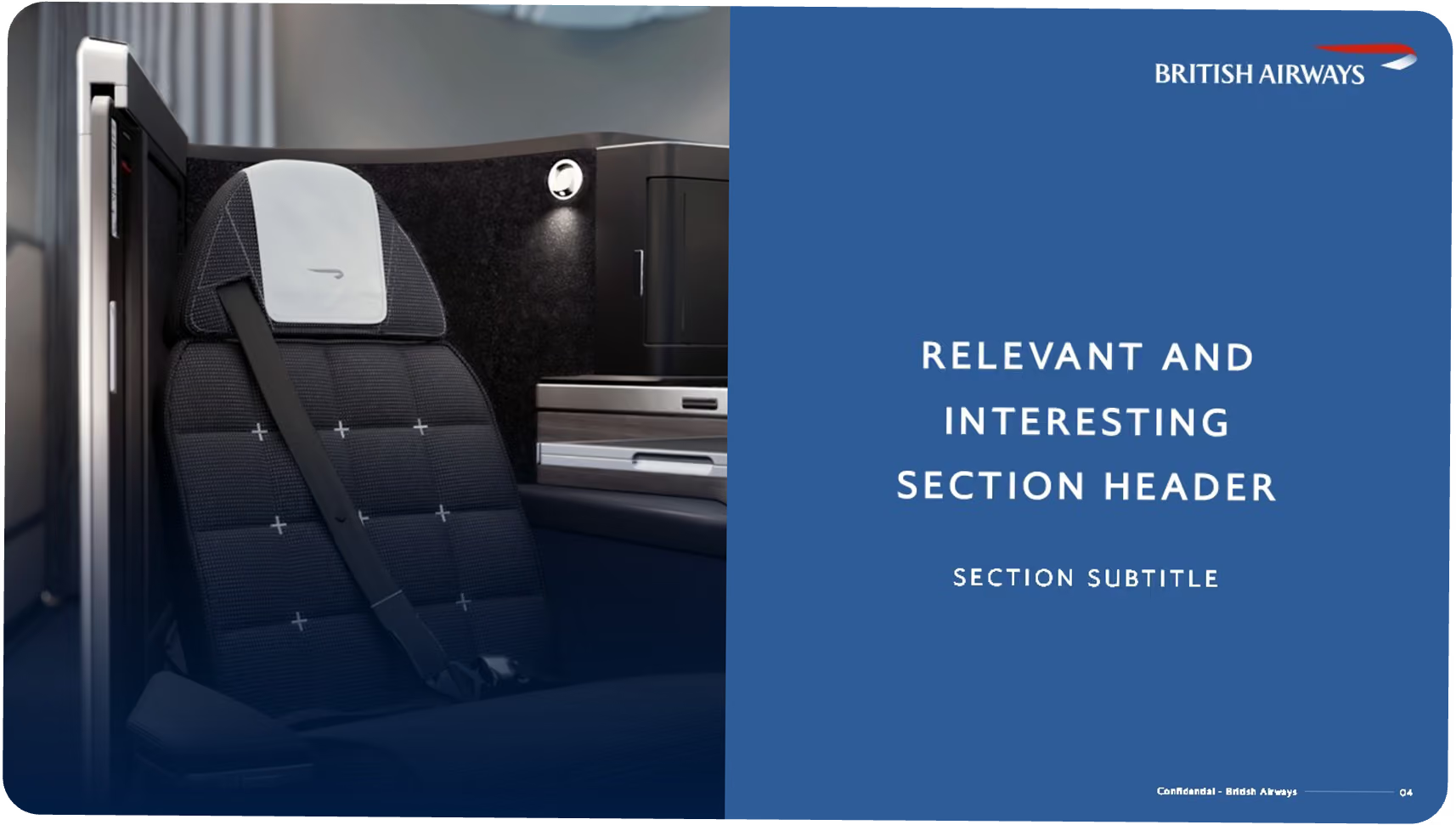
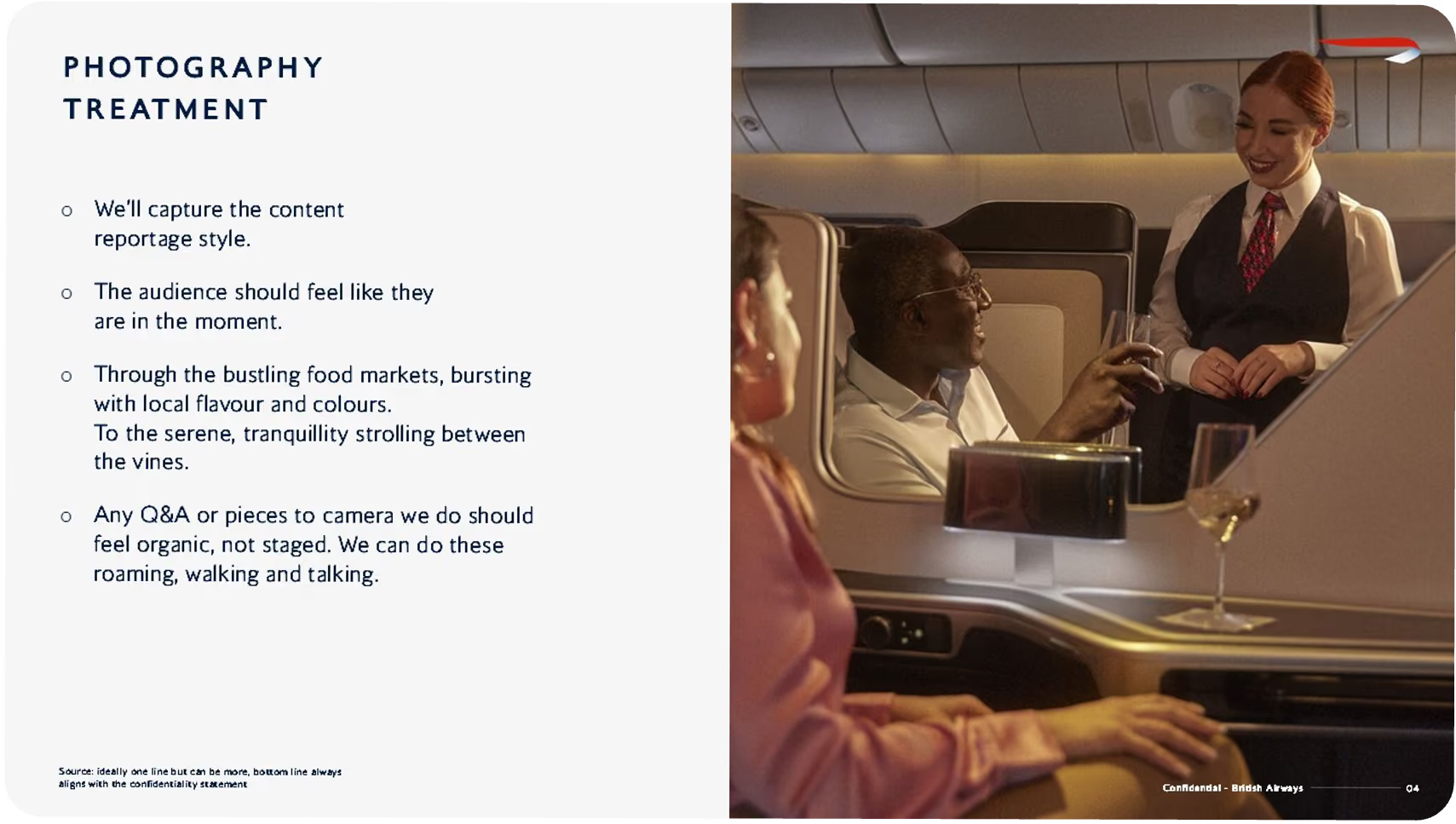
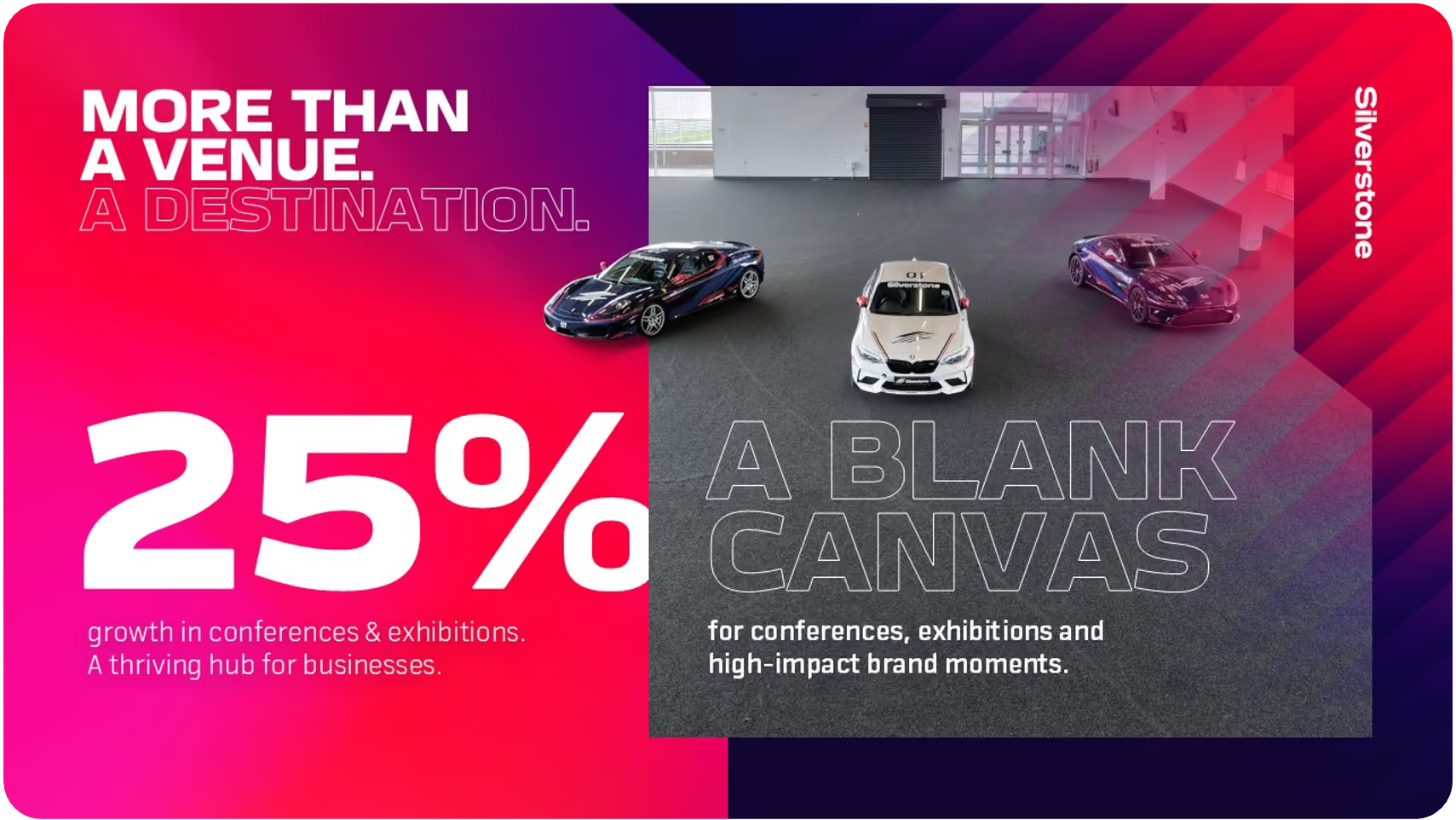
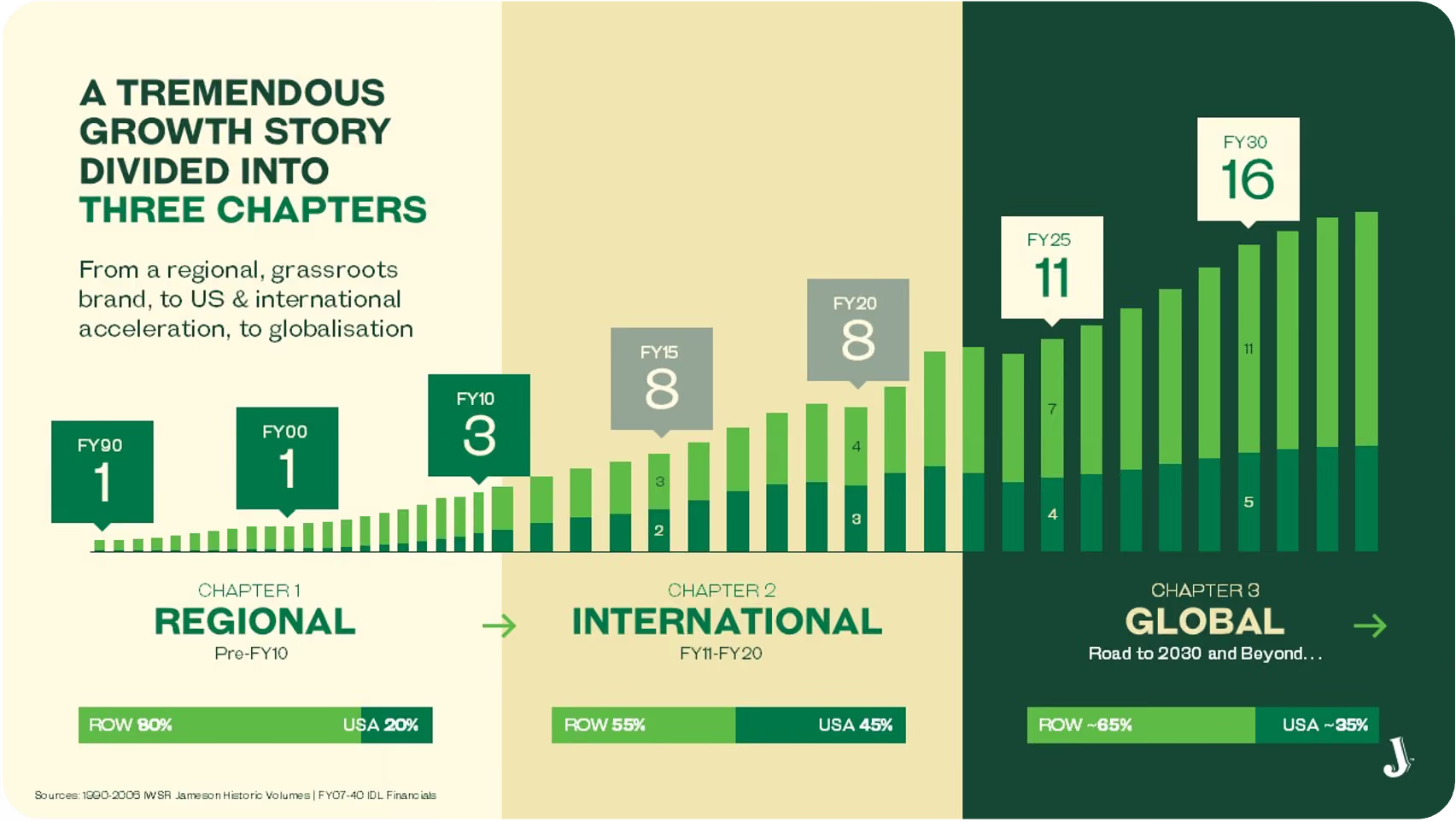
We've designed show-stopping slides for
The fonts aren't quite right. Brand colours are close, but off. Layouts ignore the template you paid good money for. It's easy to assume that's just Copilot being imperfect. But it isn't a Copilot problem. It's a template problem.
Copilot builds slides from the structure beneath your deck: the slide master, the named layouts, the theme colour slots, and the actual placeholders. If those were set up the traditional way (for people, not AI), Copilot can't read your brand properly, so it improvises. And improvised branding is off-brand branding.
It's not that templates are built badly. It's that "looks right to a human" and "readable by AI" are two different standards.
Loose example slides look fine, but Copilot generates from layouts defined in the slide master. If they're not there, it can't use them.
They look like placeholders, but Copilot can't treat them as such. Only true placeholders inserted via the master are recognised.
When colours are pasted as fixed hex values instead of mapped to the theme's colour slots, they don't flow through to generated slides.

Without a properly configured asset library in SharePoint, Copilot has nowhere to pull approved brand assets and guidelines from.

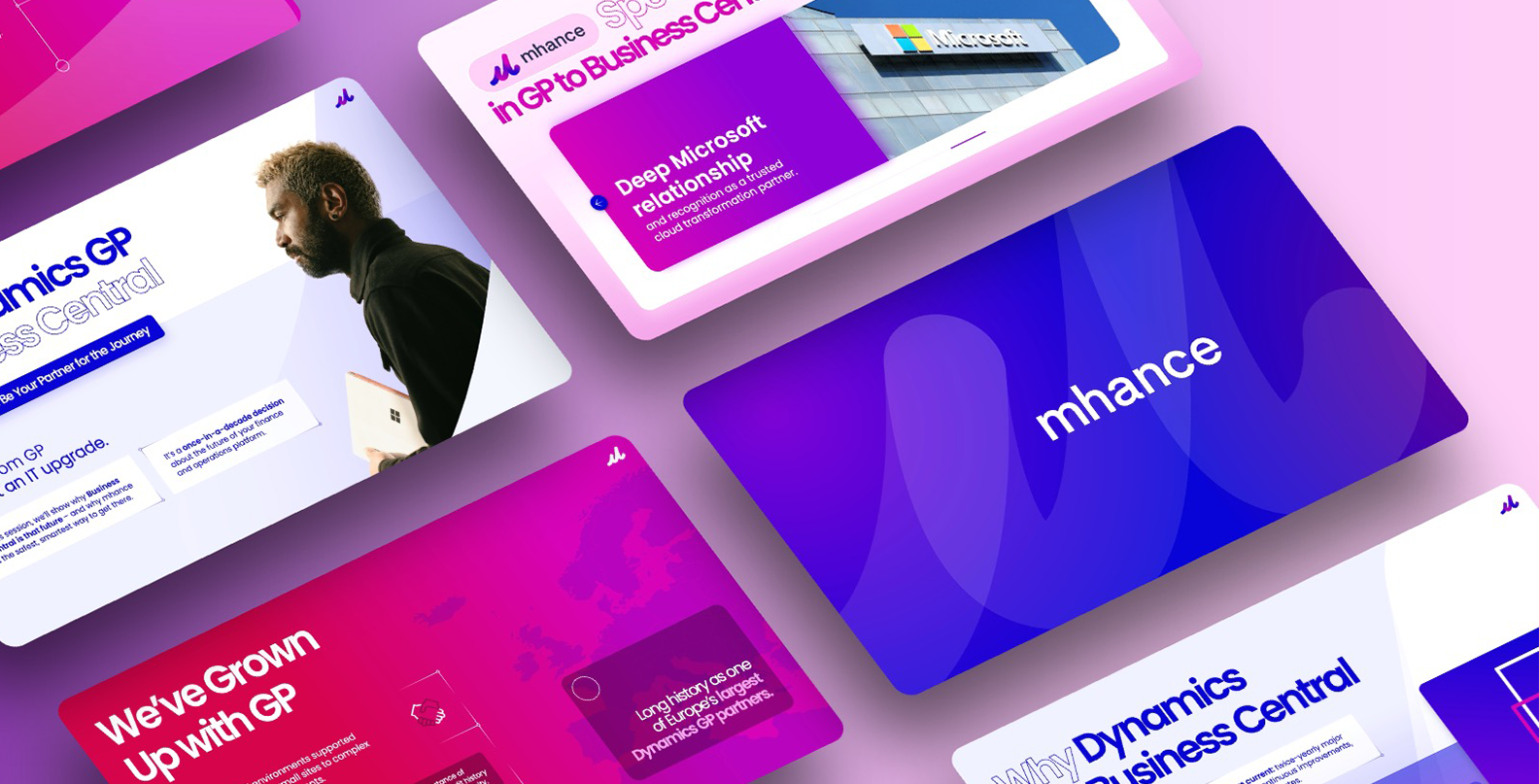
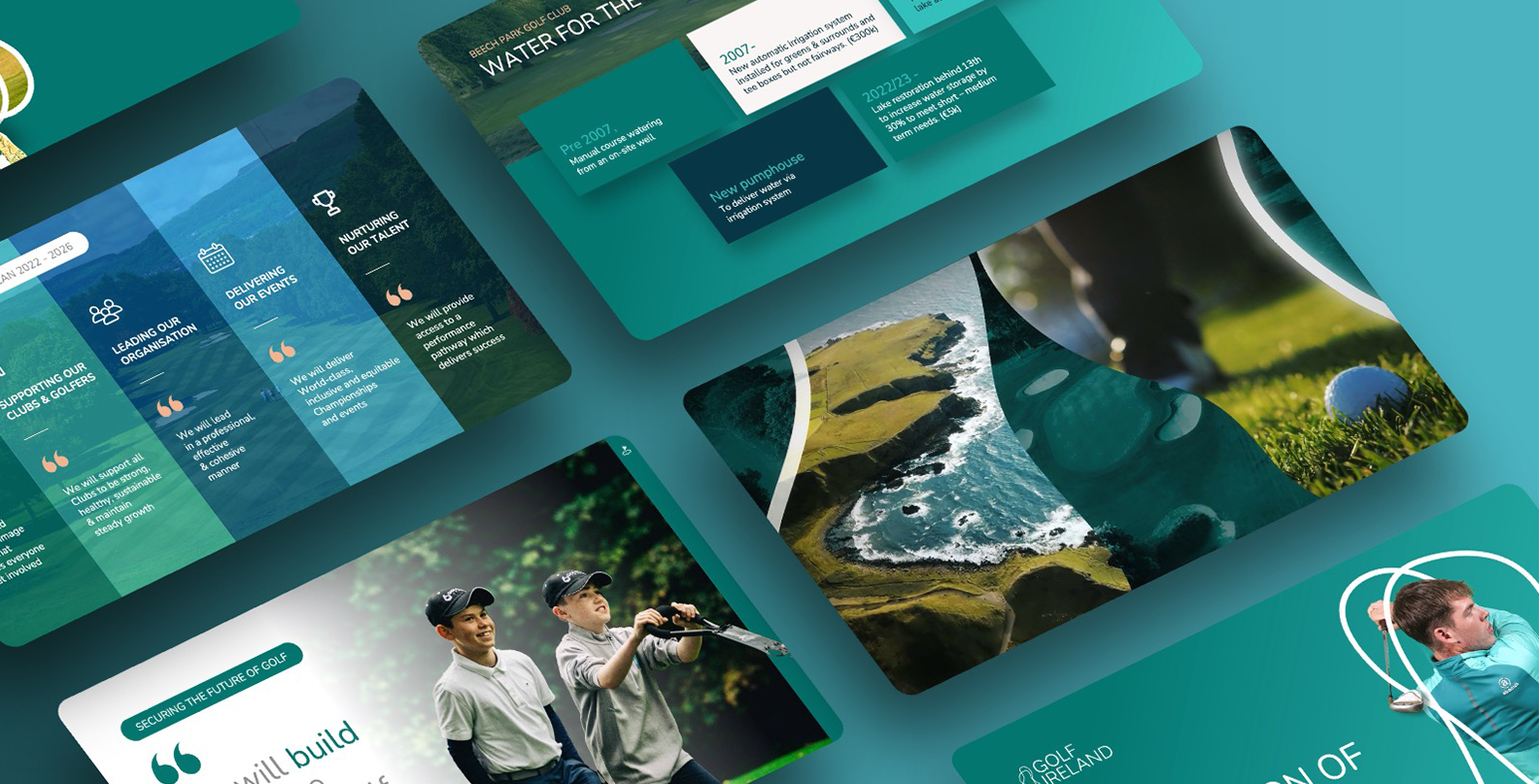
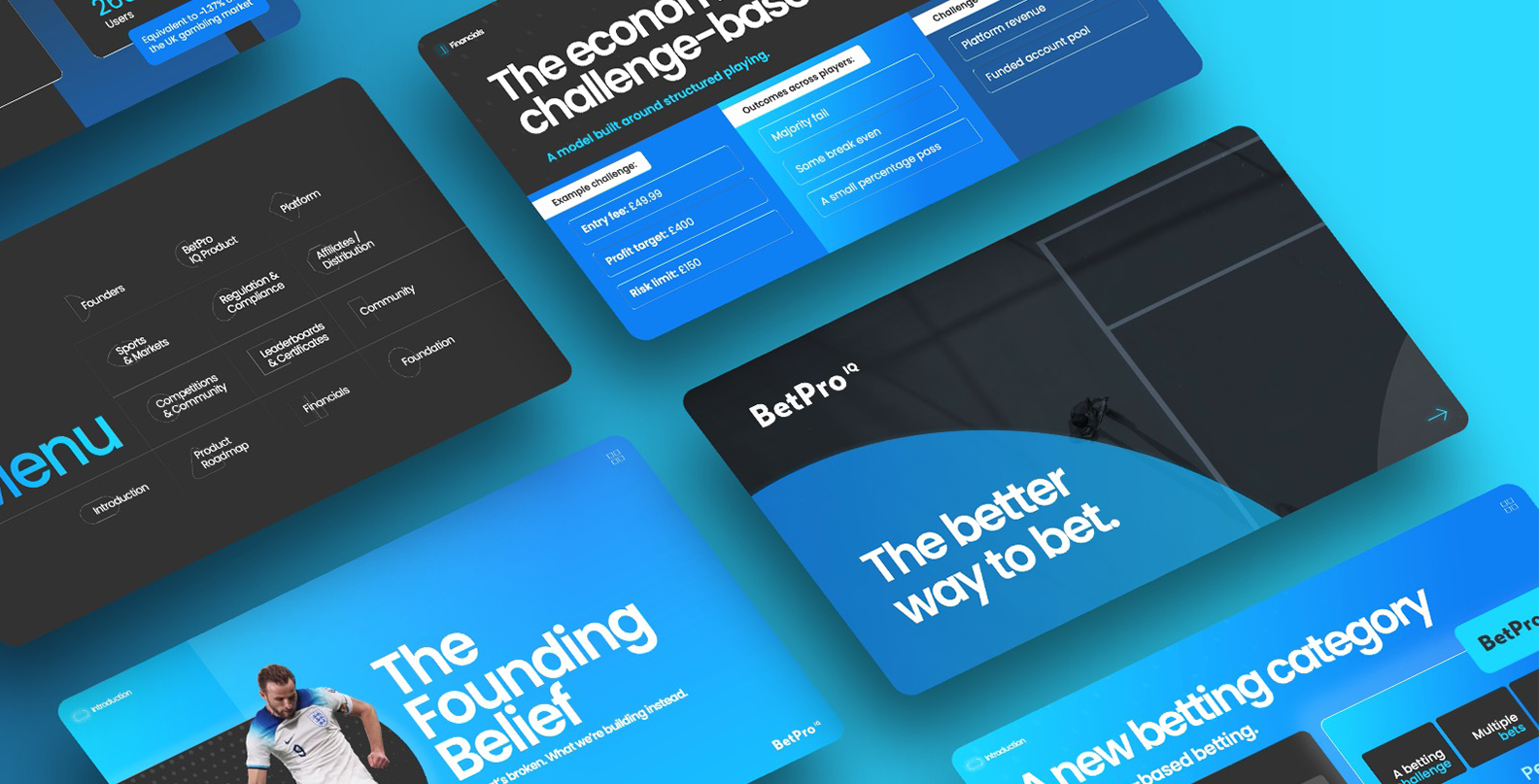
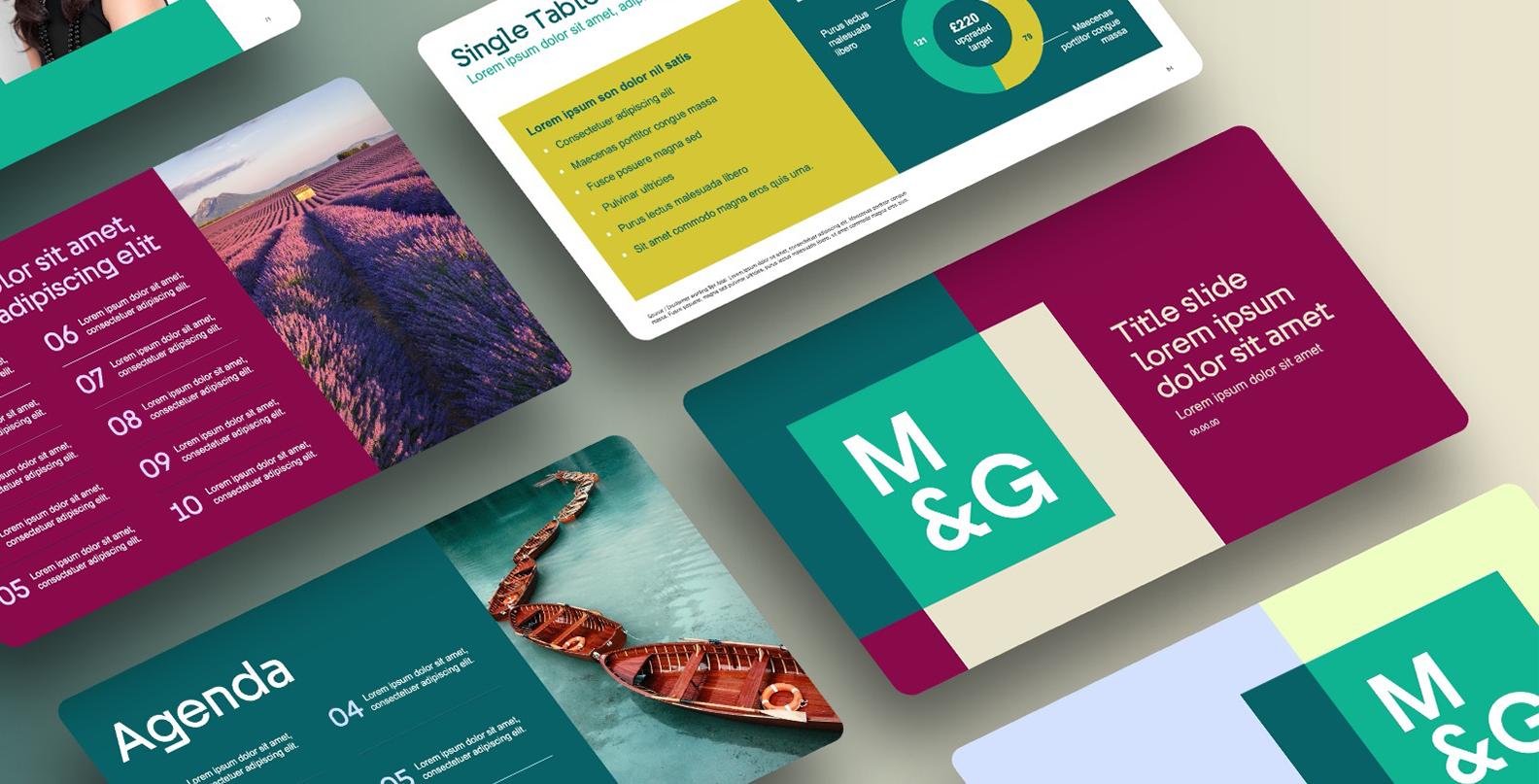
Transformation stories
A look at real templates audited and rebuilt for Copilot, where structure, brand tokens, and master slides come together.


Making a template genuinely Copilot-ready runs across three connected layers. Get one wrong and the output still drifts, even if the other two are perfect.
It’s become a genuine specialism and it’s one we’ve gone deep on. The audit tells you exactly where your template stands, what’s holding it back, and what it would take to fix.
Slide master structure, layout definitions, and true placeholder wiring.
Colour slots, font mappings, and layout inheritance the AI-readable layer.
Where brand assets and guidelines live so Copilot can find and use them.
Tell us a little about your setup and we'll be in touch to arrange it. No cost, no obligation and you'll get a clear, honest assessment either way.
Frequently Asked Questions